
Dish (Signal Receiver Dish)
The dish, or signal receiver dish, is the core device of the Starlink system that functions to capture internet signals from satellites orbiting the Earth. The technology used by Starlink includes Low Earth Orbit (LEO) satellites, so the dish can receive data transmissions at high speed and low latency compared with conventional satellites. This receiver dish works as the starting point for distributing the internet connection. After capturing signals from satellites, the dish forwards them to the Starlink router, which then distributes internet to all user devices, from computers and phones to smart home devices (IoT). Dish installation requires a strategic position with a direct view of the sky free from obstacles, such as trees or tall buildings, so signal quality remains optimal. The right position greatly determines connection stability and speed, especially in remote areas such as Papua, mountains, or remote islands that are difficult for cable infrastructure to reach.
The main advantage of the Starlink dish is its ability to provide fast and stable internet in locations that were previously difficult to reach, making it an ideal solution to support digital activities, education, remote work, and smart system integration based on Data Lake. By understanding the function and installation of the dish properly, users can maximize a smoother and more reliable internet experience.
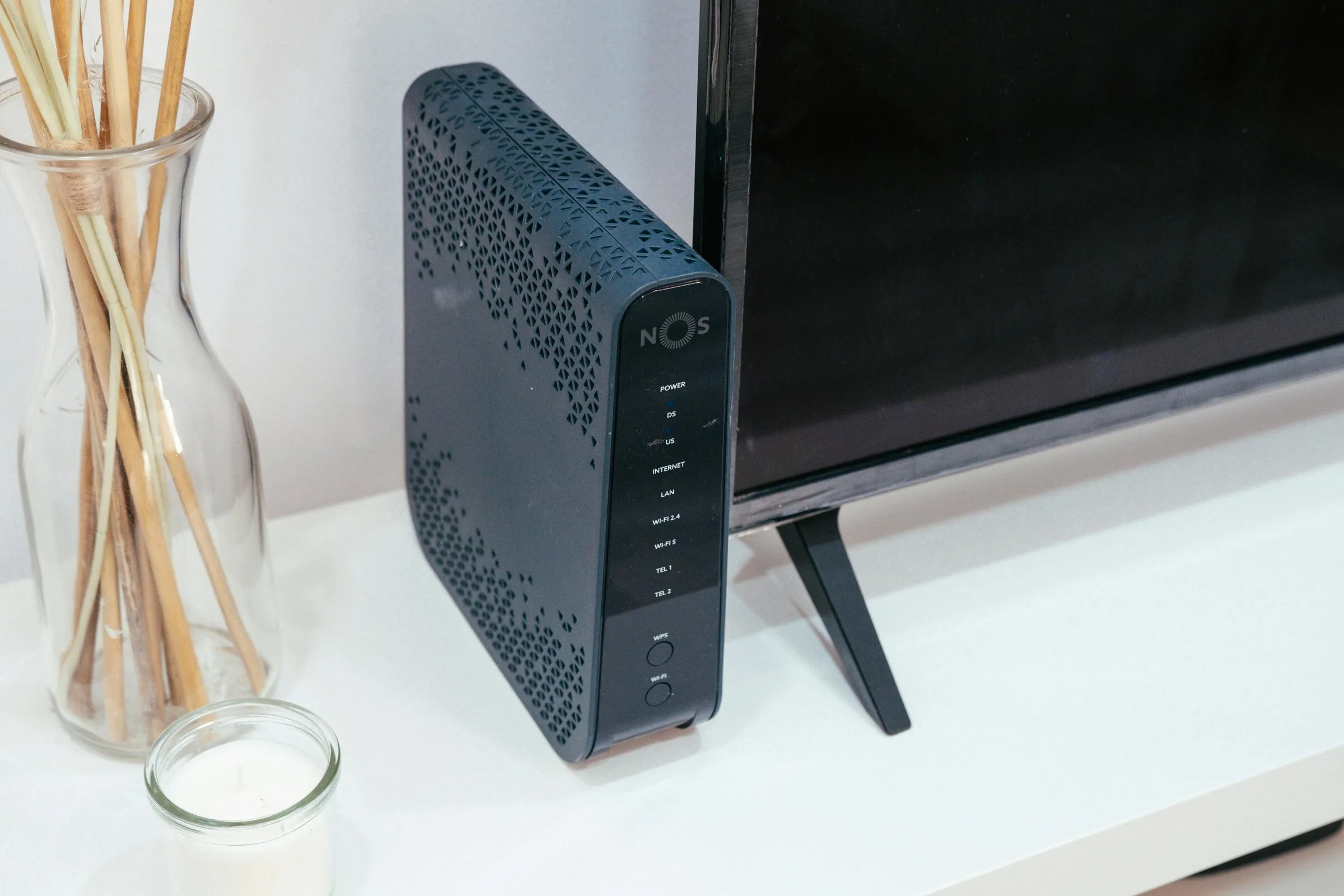
Starlink Router
The Starlink router is an important device that functions to distribute the internet connection received from the dish to all devices in a home or office. After the signal receiver dish captures data transmission from satellites, the router is responsible for ensuring every connected device gets a stable and fast signal, whether for computers, smartphones, tablets, or smart home devices (IoT).
The advantage of the Starlink router compared with conventional routers lies in its ability to manage many devices simultaneously without reducing connection quality. This is very useful in modern households or small offices that need simultaneous connections for various digital activities, from high-resolution video streaming (HD/4K), online conferences, to real-time applications and online gaming.
In addition to distributing signals, the Starlink router is equipped with security features to protect the network from unauthorized access and cyberattacks. Its installation is also designed to be easy, allowing users to place the router in an optimal location so the signal is distributed evenly.
With this crucial role, the Starlink router ensures a fast, stable, and secure internet experience. This device also supports integration, enabling network monitoring, data analysis, and real-time optimization of internet usage, whether for homes, offices, or mobile locations using Starlink packages.
Starlink Cables and Accessories
In addition to the dish and router, cables and accessories are important components in the Starlink system that ensure data transmission from satellites to user devices runs stably and optimally. The included cable connects the dish to the router, allowing the internet signal received by the receiver dish to be delivered without disruption, so the connection remains fast and reliable.
Cable quality greatly determines network performance. Good cables can reduce interference and signal loss, and support the high speed that is Starlink’s advantage compared with conventional internet services. Additional accessories, such as dish stands or mounting brackets, also play a role so the device can be placed strategically and safely, whether on a house roof, balcony, or other open area.
Choosing the right position for the dish, router, and cables is very important, especially in areas with difficult terrain such as mountains or remote regions. Optimal arrangement ensures a direct view of the sky free from obstacles, so signal quality remains stable.
With these additional devices, Starlink not only provides fast internet, but also supports integration, enabling network monitoring, performance analysis, and real-time optimization of internet usage. This makes the digital experience smoother, safer, and more reliable in various conditions, including at home, in the office, or in mobile locations.
Tips for Optimizing Starlink Devices
So that an internet connection through Starlink can run fast, stable, and reliably, users need to pay attention to several aspects of device optimization and installation.
1. Strategic Dish Placement
- Make sure the dish is installed in an open location with a direct view of the sky free from obstacles, such as tall trees, buildings, or other structures.
- The height and direction of dish placement affect signal quality, especially in areas with difficult terrain such as mountains or remote areas.
2. Optimal Router Position
- Place the router in a central location so the signal is distributed evenly to all devices.
- Avoid placing the router near electronic devices that can cause interference, such as microwaves or cordless phones.
3. Device Maintenance and Updates
- Perform firmware updates regularly to improve device performance and security.
- Check cables and accessories routinely so there are no physical disruptions that affect data transmission
4. The Right Combination of Packages and Devices
- Choose a service package according to user needs, whether Residential, Roaming, or Residential Lite.
- Use official Starlink devices and avoid unofficial devices so network quality and security are maintained. To ensure an optimal and secure internet experience, users are advised to obtain Starlink devices through an official distributor. One official distributor in Indonesia is Data Lake, which provides complete original Starlink devices. The device ordering process can be done via email at sales@datalake.id. There, users will be guided on service packages that suit their needs, installation procedures, and technical support. By using the official channel, users can guarantee device authenticity and the best service quality.