
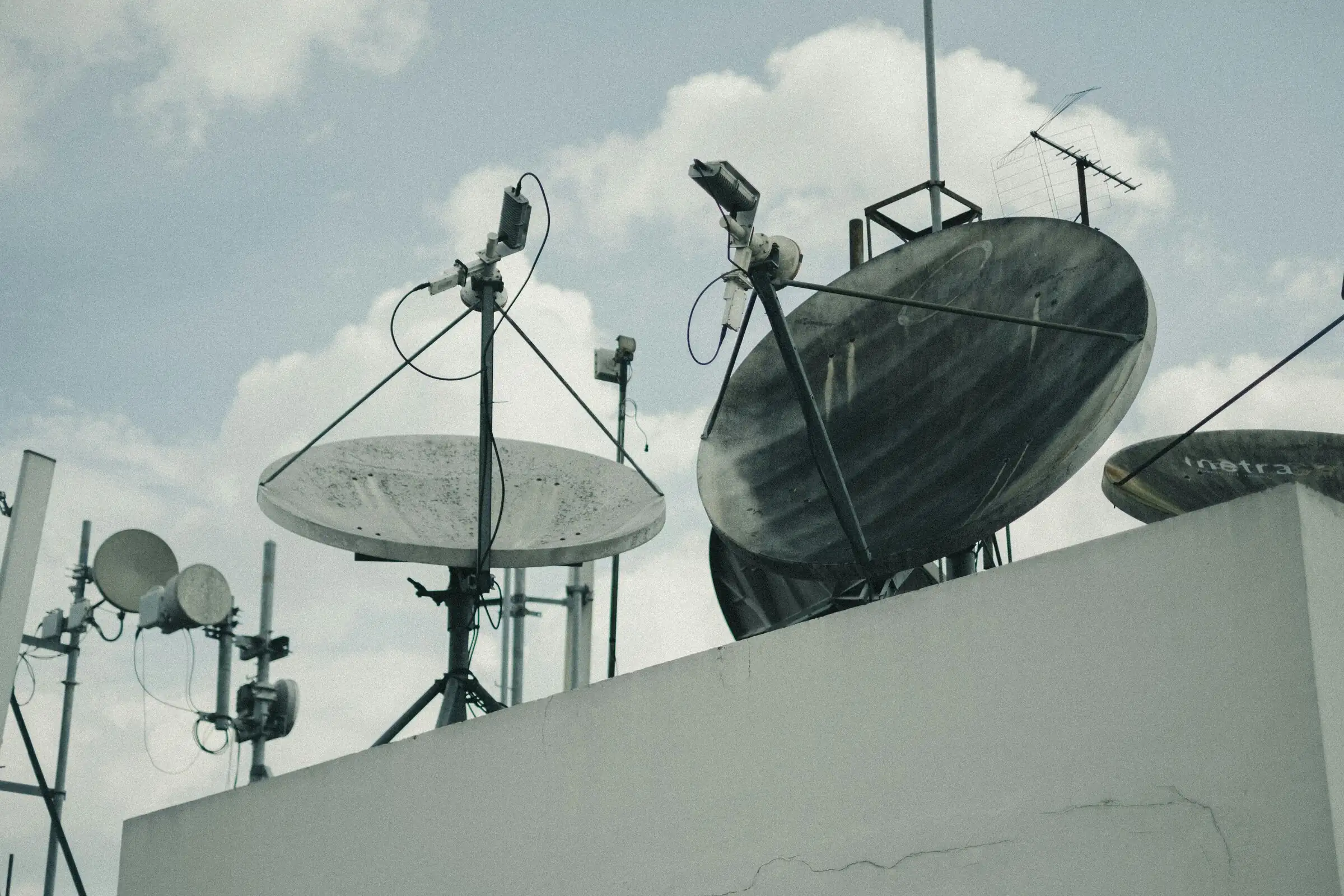
Incorrect Antenna Placement
One of the most common mistakes when using Starlink is placing the dish in a non-optimal location. The Starlink antenna requires a clear view of the sky to communicate directly with low Earth orbit satellites. If the dish is installed in an area blocked by roofs, walls, trees, or tall buildings, signal quality will decrease and the connection may become unstable.
Poor placement can lead to fluctuating speeds, intermittent disconnections, and increased latency. To avoid this, the Starlink dish should be installed in an open area, such as a rooftop or yard with minimal obstructions, so the system can perform at its best and deliver optimal internet performance.
Ignoring the Need for Stable Electrical Power
Starlink devices, including the dish and router, require a consistent power supply to function properly. If the electricity supply is unstable, frequently interrupted, or improvised, internet performance can suffer and the device may even be damaged. Repeated power disruptions can cause sudden shutdowns, repeated signal acquisition processes, and reduced connection quality. Over time, this can shorten the device’s lifespan. Therefore, users are advised to prepare a reliable power source, such as a stabilizer, UPS, or backup power, especially in areas prone to outages. With stable power, Starlink can operate more effectively and provide a consistent connection.
Not Paying Attention to Surrounding Environmental Conditions
The Starlink antenna needs an unobstructed view of the sky to receive signals optimally. If installed near trees, tall buildings, walls, or metal roofs, signal quality may drop, leading to unstable connectivity.
Additionally, environments with strong winds or unstable mounting surfaces can shift the antenna’s position. Even slight angle changes can affect signal reception. That’s why installation should consider safety, stability, and minimal physical interference. Ensuring an open, secure, and obstruction-free environment helps maximize performance and prevents avoidable connectivity issues.
Adjusting to Service Capacity
Starlink is designed to provide reliable internet access, especially in areas that are difficult for conventional networks to reach. However, network performance can fluctuate during peak hours or when environmental conditions are less supportive. Therefore, it is important for users to align their needs with the service capability, such as understanding that heavy activities performed simultaneously by many devices can affect connection quality.
By properly understanding service capacity from the beginning, users can use Starlink optimally without misconceptions. This approach helps create a more realistic, stable usage experience that matches the original purpose of using satellite internet.
Using Unofficial or Non-Warranted Devices
Using unofficial or non-warranted devices can lead to technical issues, suboptimal performance, or even complete service failure if the device is not properly registered in the Starlink system. Users also won’t receive adequate technical support in case of damage or operational issues.
Without an official warranty, repairs or replacements can be difficult and costly. Security risks may also increase, as devices with unclear origins can pose long-term issues, both in connection quality and data protection. To avoid these risks, it is highly recommended to purchase Starlink devices through Data Lake, an official Starlink partner in Indonesia. Through Data Lake, users receive genuine devices with official warranties, clear technical support, and professional after-sales service. Orders can be placed easily via sales@datalake.id, ensuring a safer, more reliable, and comfortable Starlink experience in the long run.